
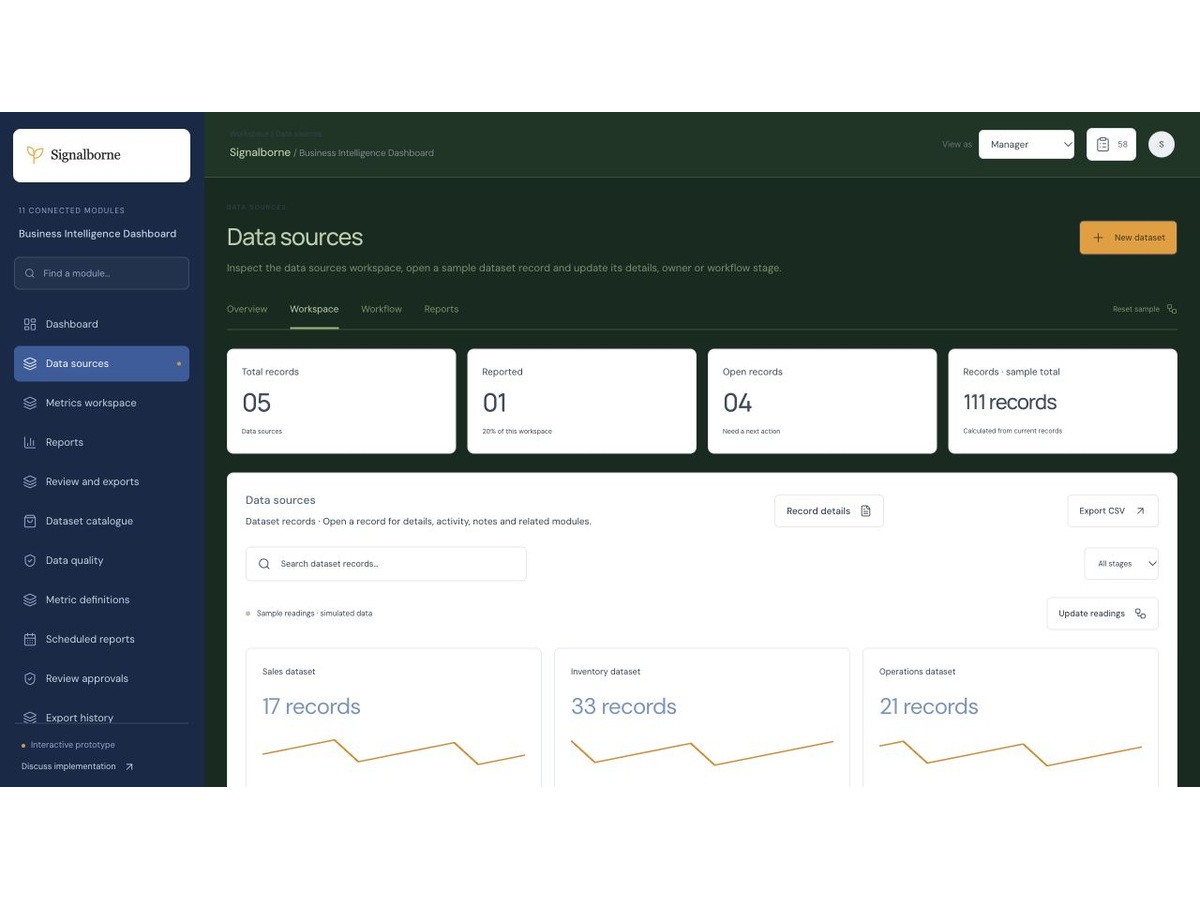
 Explore Data sources
01
Data sources
Inspect the data sources workspace, open a sample dataset record and update its details, owner or workflow stage.
DatasetSource / reporting teamRecords
Connected Validated Reported
Explore this module PRODUCT DEMO
Business Intelligence Dashboard
Turns organisational data into reports, metrics and management insights.
Connected modules
Editable workflow prototype
Turns organisational data into reports, metrics and management insights.
These are screenshots of the interactive workflow prototype below. The preview demonstrates proposed modules with fictional data; production integrations and final functionality are agreed during project scoping.
See the working screens, the module handoffs and an actual sample record changing stage. Choose a chapter to jump straight to a feature.
Signalborne, explained with narration and screens from the interactive prototype. Fictional sample data.
Turns organisational data into reports, metrics and management insights. Bring your business & enterprise workflows into a connected workspace shaped around your organisation, existing systems and team. We scope the right modules, integrations and permissions with you before implementation.
Explore Data sourcesInspect the data sources workspace, open a sample dataset record and update its details, owner or workflow stage.
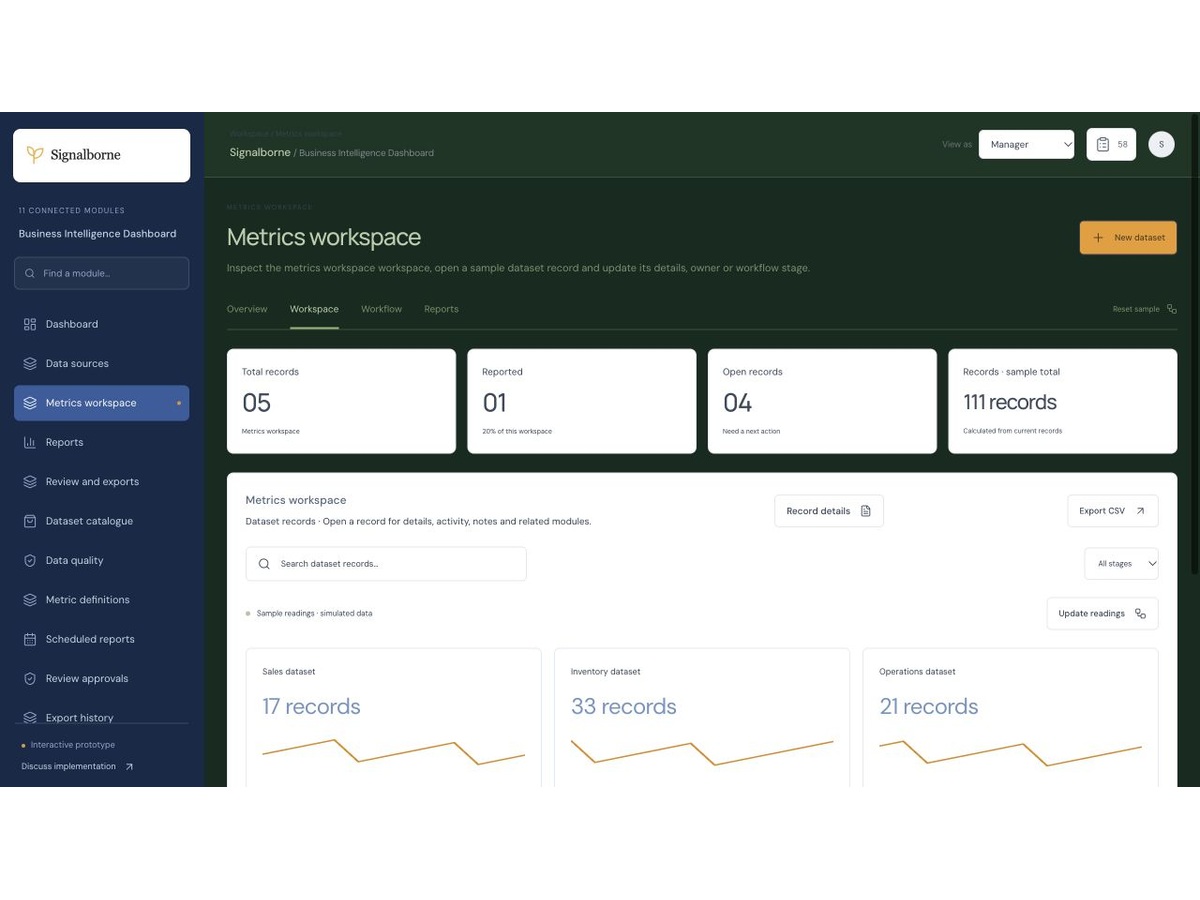 Explore Metrics workspace
Inspect the metrics workspace workspace, open a sample dataset record and update its details, owner or workflow stage.
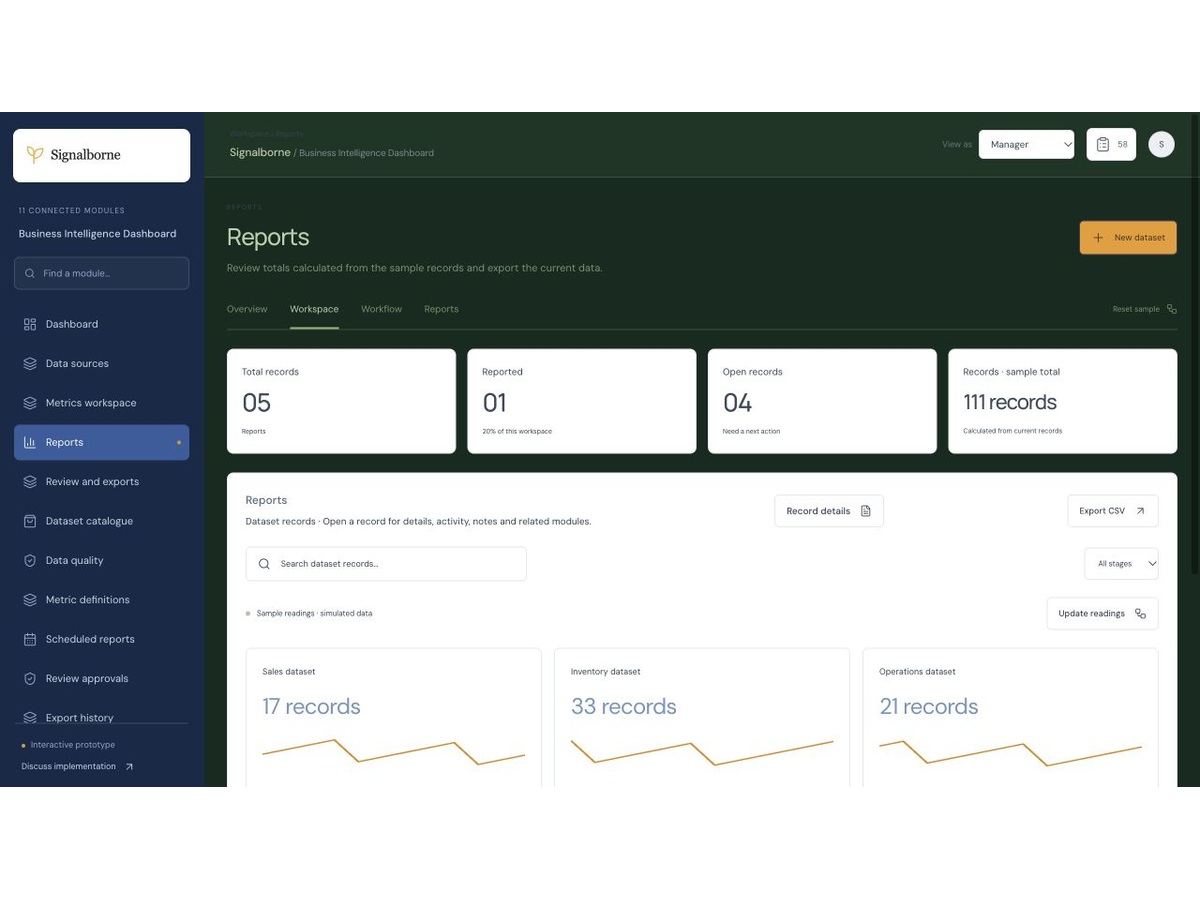 Explore Reports
Review totals calculated from the sample records and export the current data.
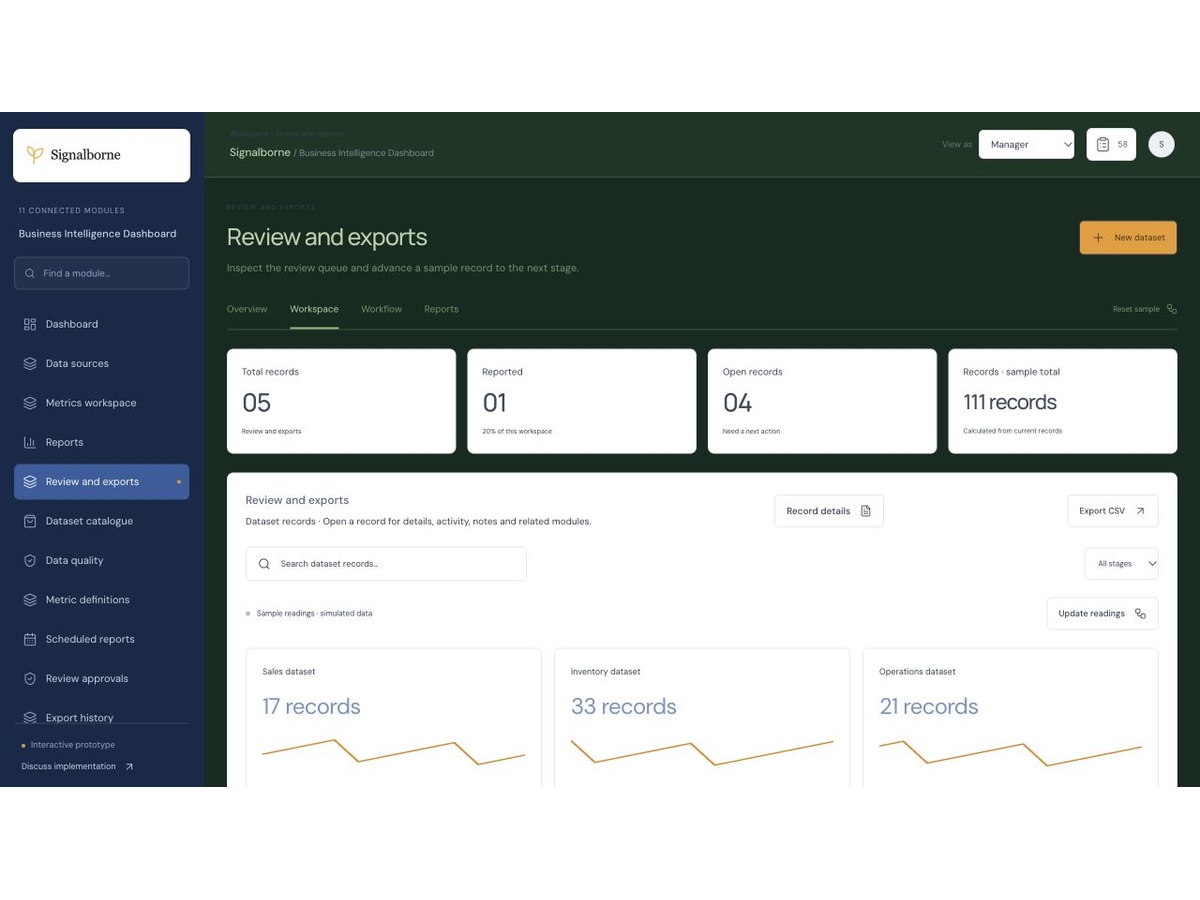 Explore Review and exports
Inspect the review queue and advance a sample record to the next stage.
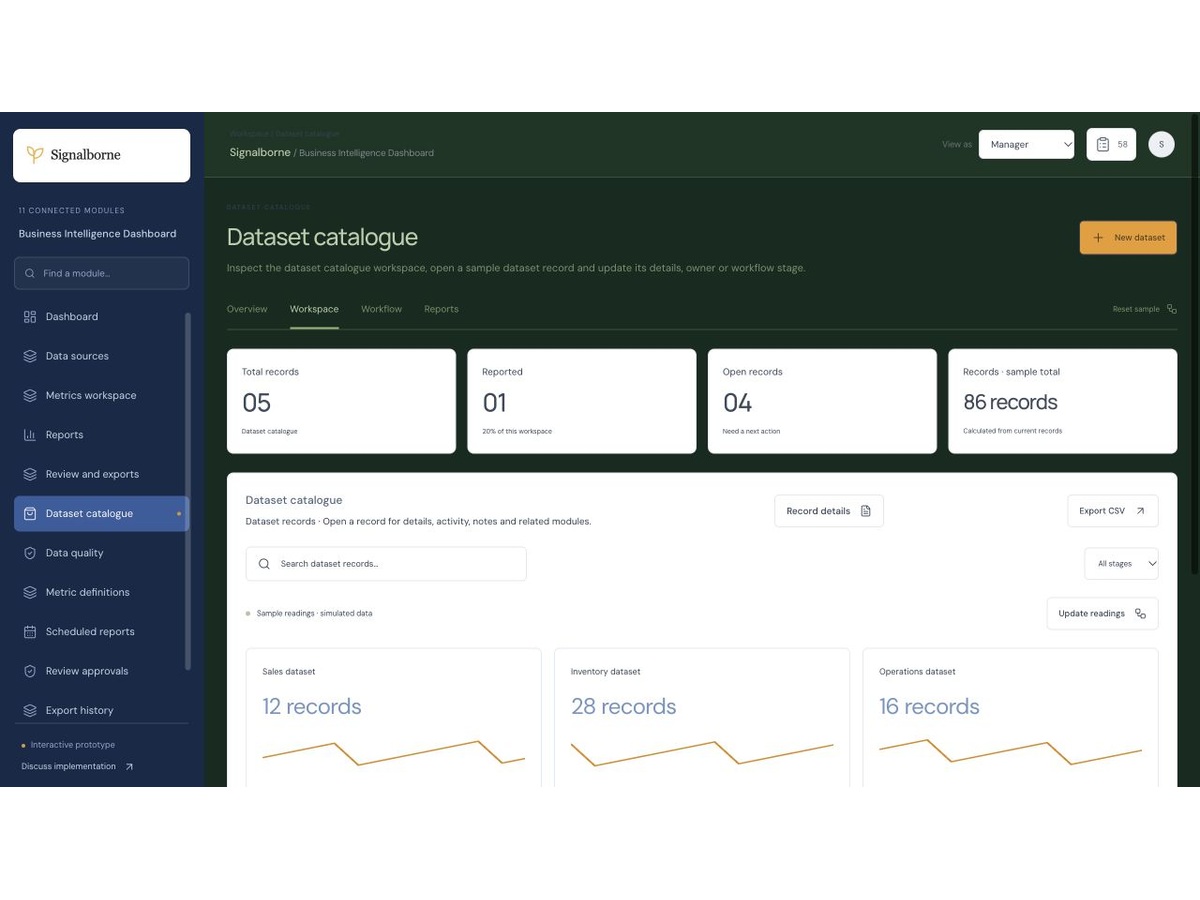 Explore Dataset catalogue
Inspect the dataset catalogue workspace, open a sample dataset record and update its details, owner or workflow stage.
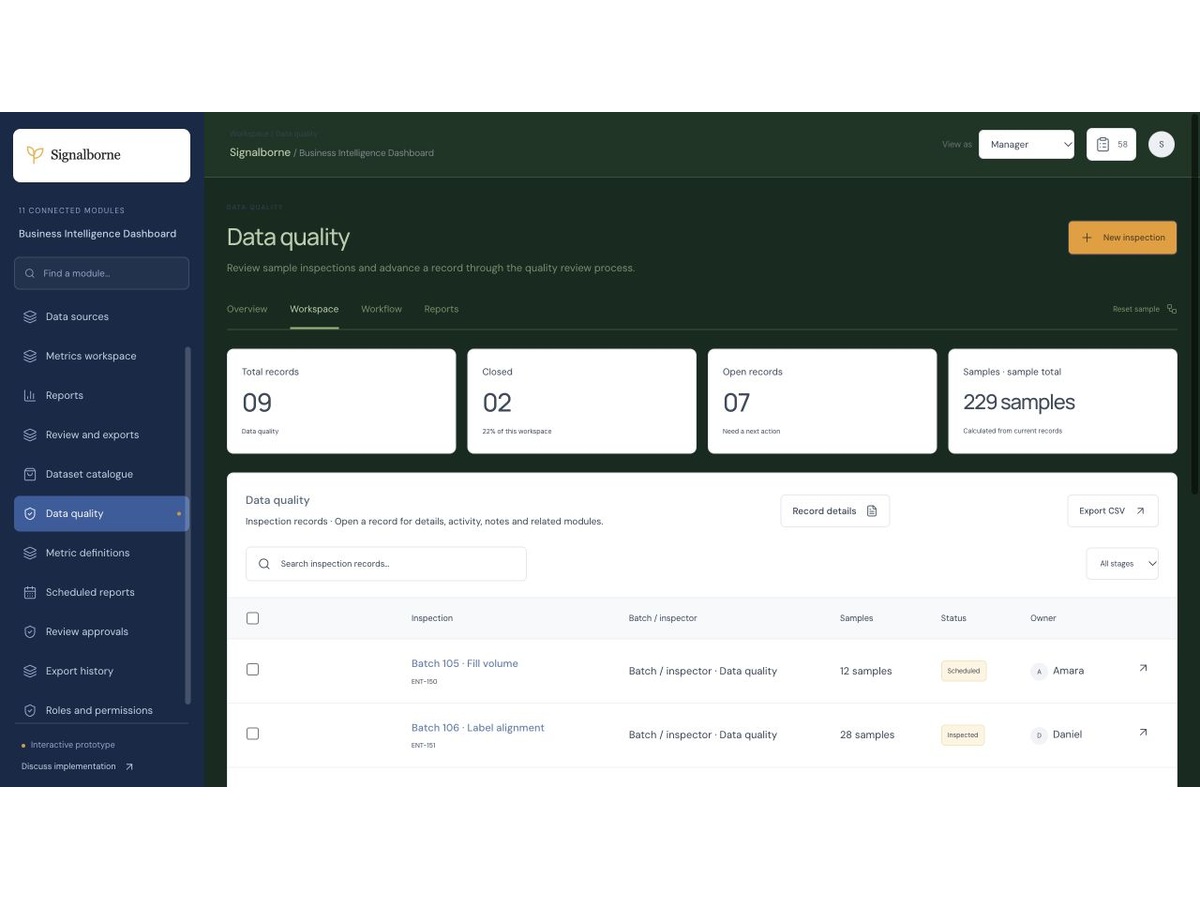 Explore Data quality
Review sample inspections and advance a record through the quality review process.
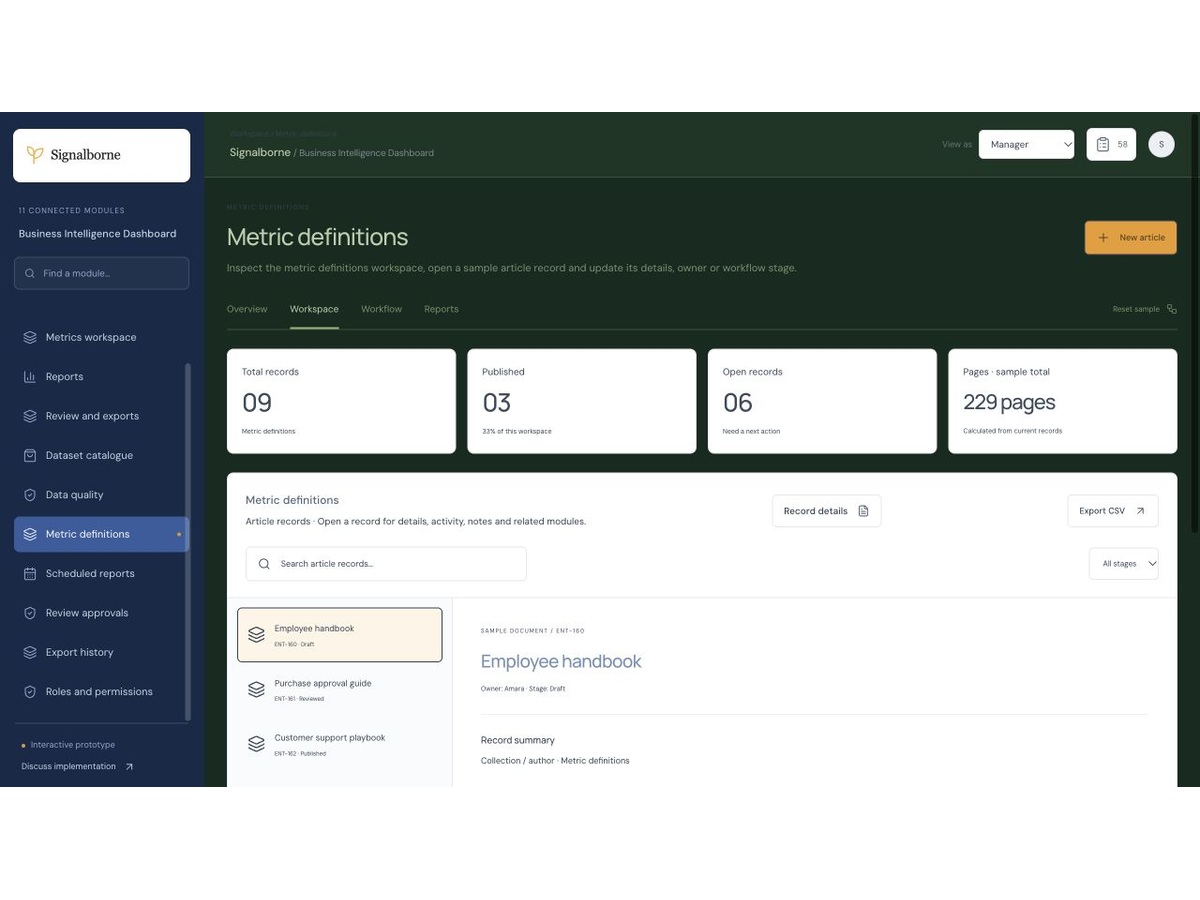 Explore Metric definitions
Inspect the metric definitions workspace, open a sample article record and update its details, owner or workflow stage.
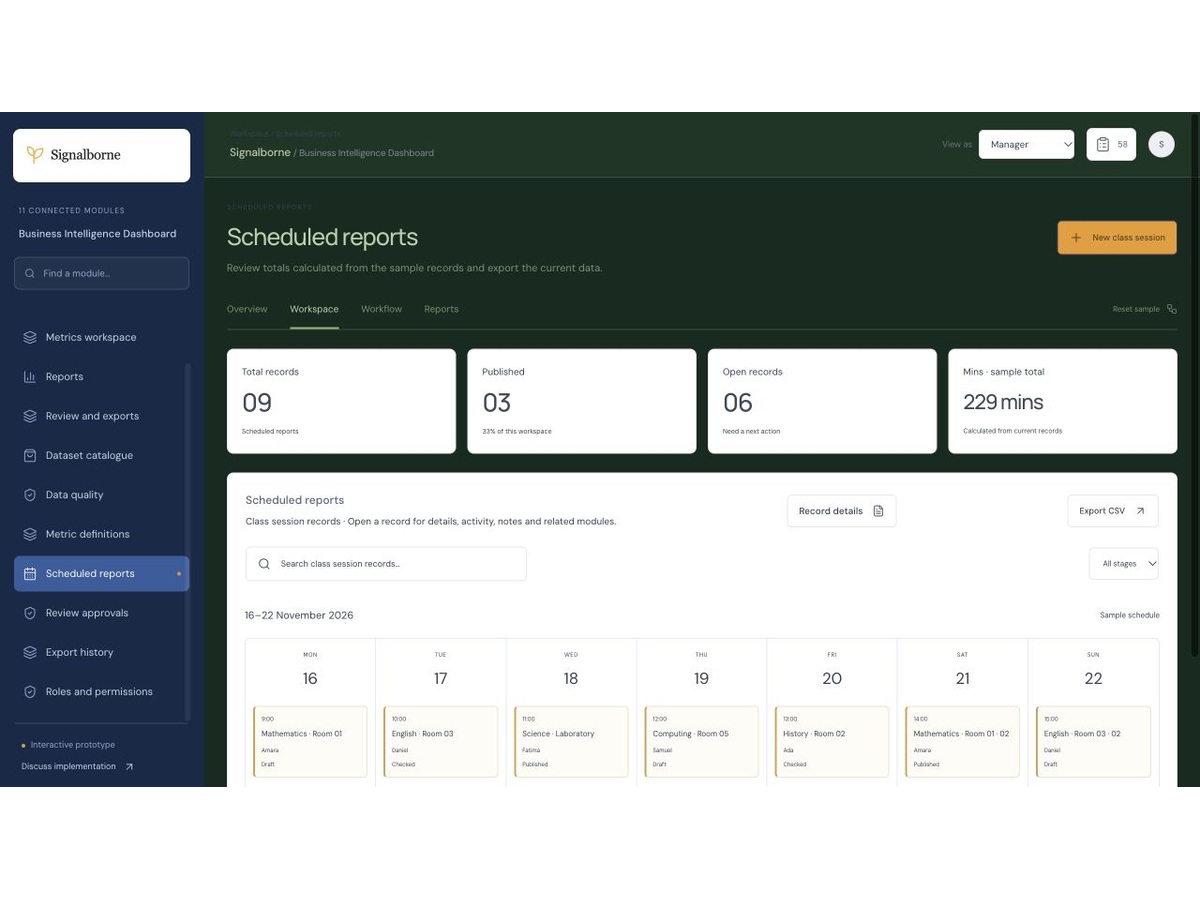 Explore Scheduled reports
Review totals calculated from the sample records and export the current data.
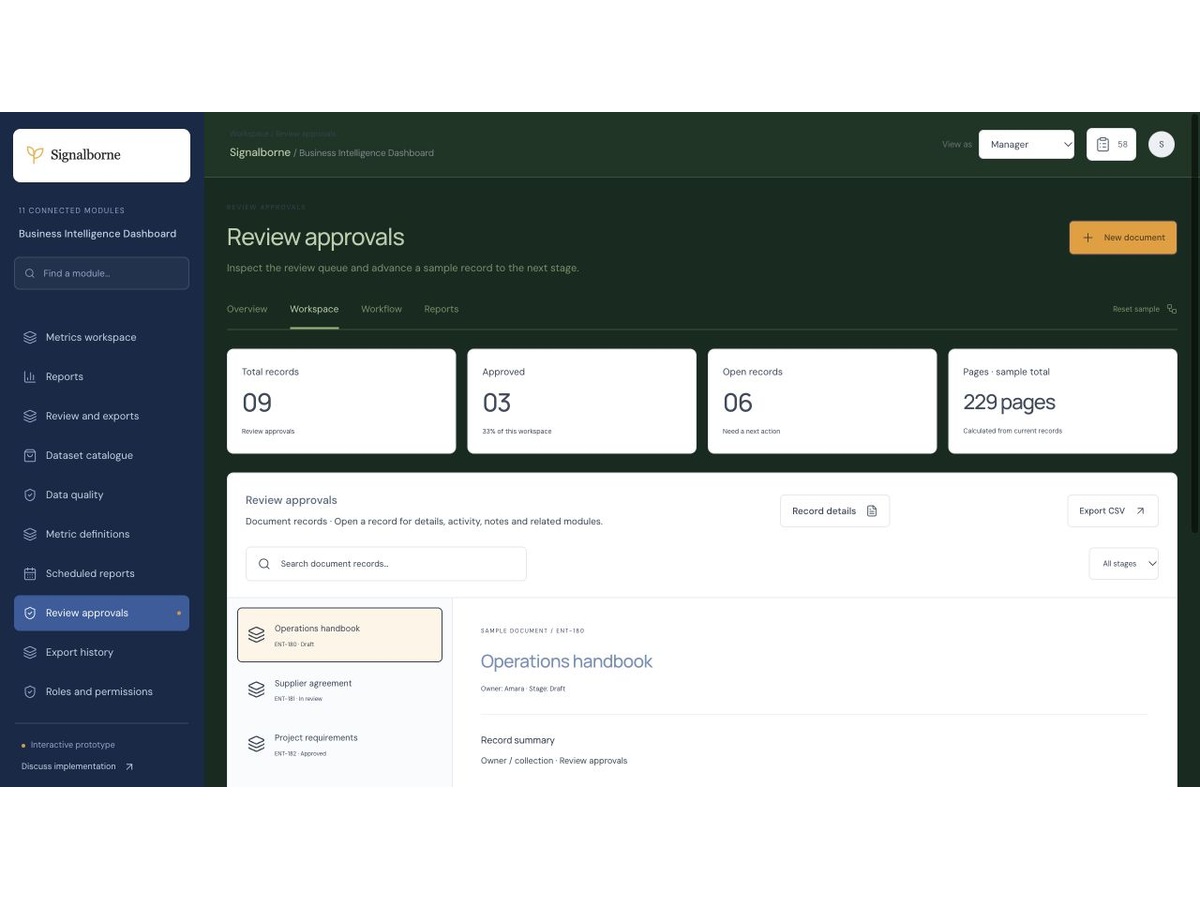 Explore Review approvals
Inspect the review queue and advance a sample record to the next stage.
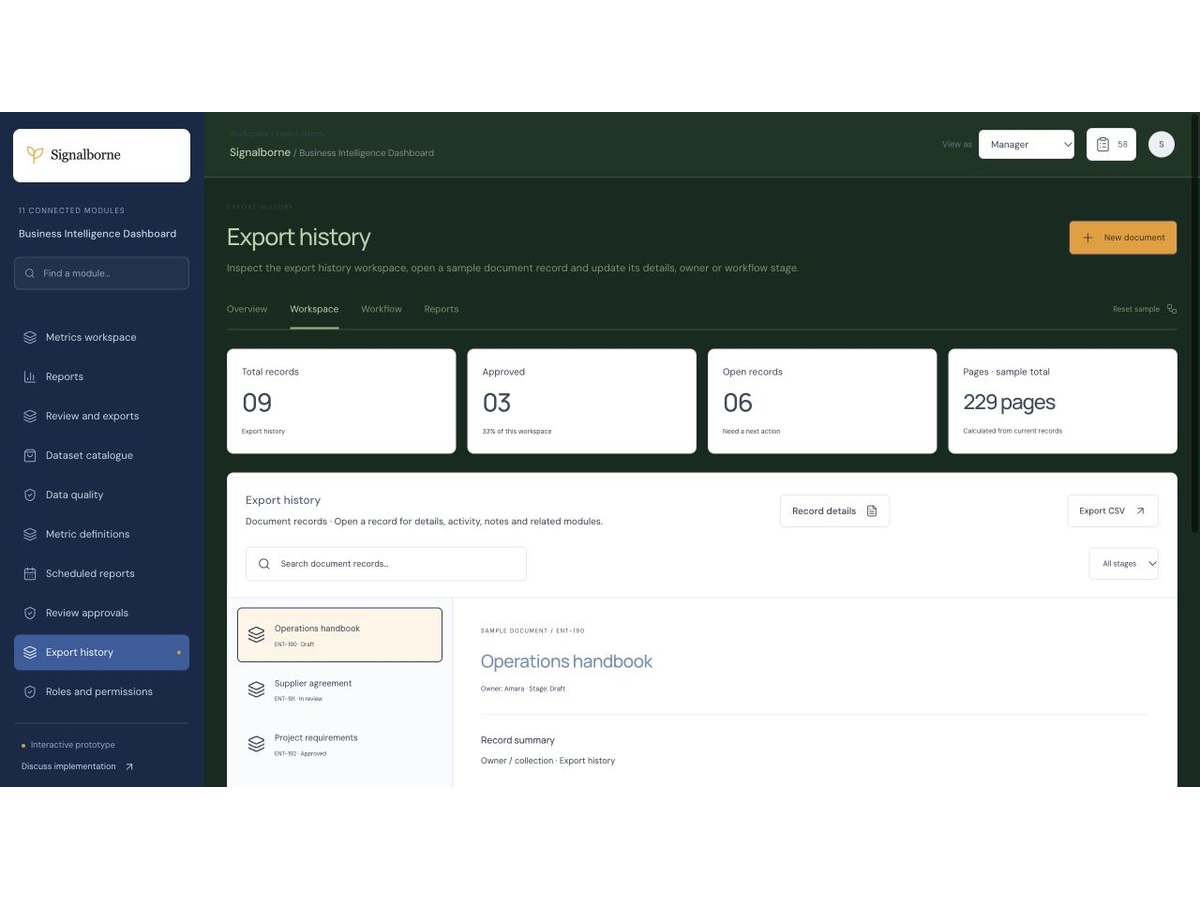 Explore Export history
Inspect the export history workspace, open a sample document record and update its details, owner or workflow stage.
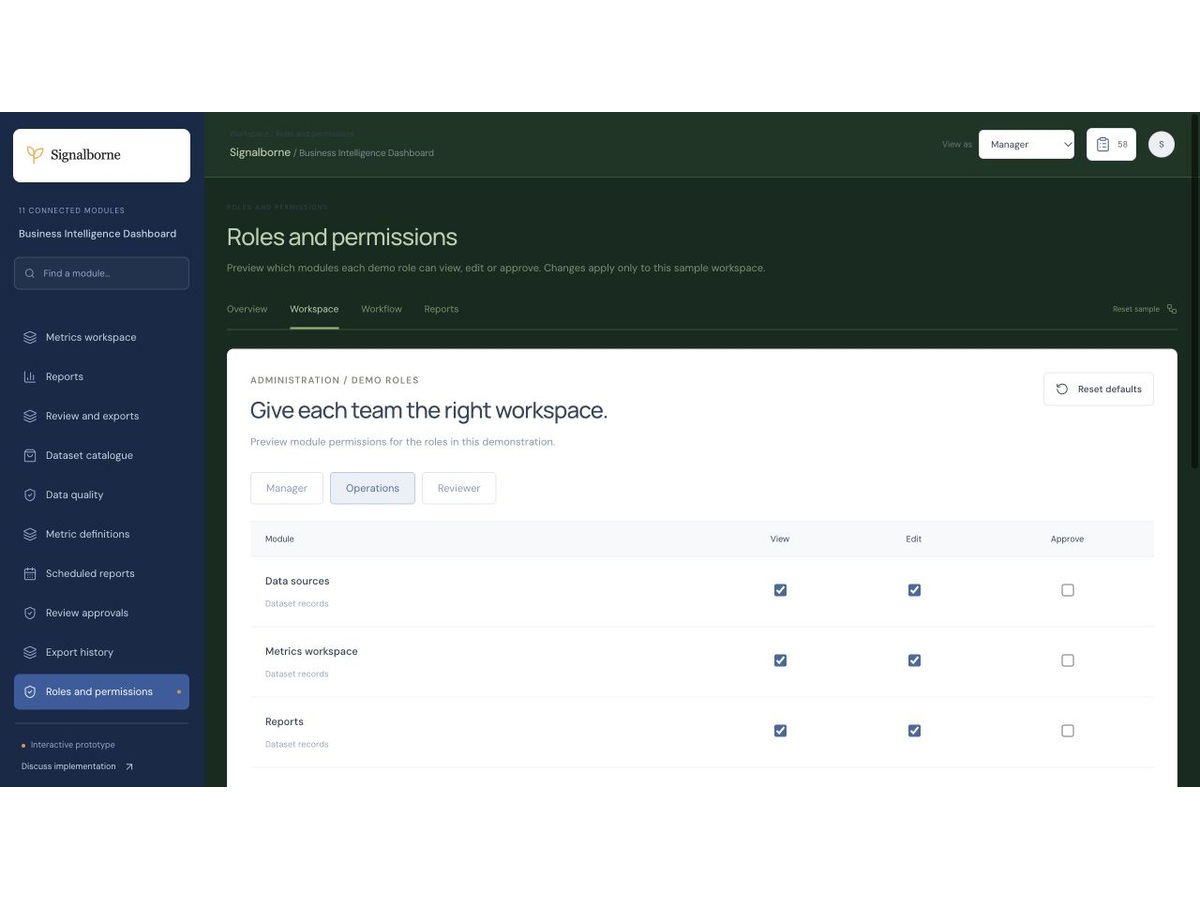 Explore Roles and permissions
Preview which modules each demo role can view, edit or approve. Changes apply only to this sample workspace.
Select a step to inspect its screen and stages, or play the guided flow. Each step links to the working module.
Inspect the data sources workspace, open a sample dataset record and update its details, owner or workflow stage.
Open the interactive moduleTry these steps in the interactive preview. The dashboard and workflow use the same records.
Choose data sources and inspect the sample dataset records.
Use Add dataset or select a record name. Change its details, value, owner or status.
Open Workflow and advance a record from Connected to Validated.
Return to Overview to check the updated totals. Reports lets you export the current module as CSV.
The preview is a starting point. We confirm your roles, rules, data, integrations and reporting requirements before building the production application.
Plan this solution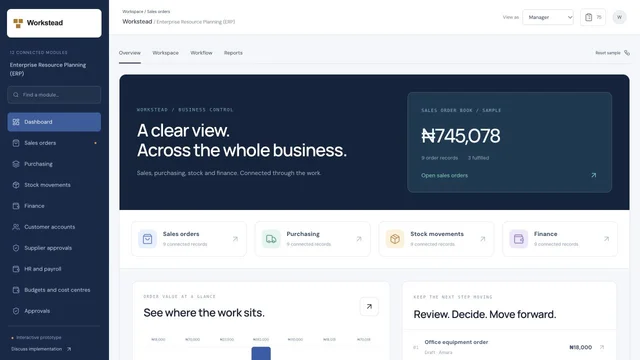 Interactive demo
Connects finance, inventory, HR, sales, procurement and operations in one system.
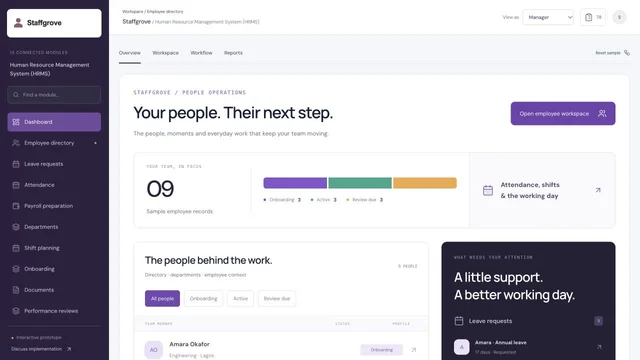 Interactive demo
Manages employee records, recruitment, attendance, leave and HR operations.
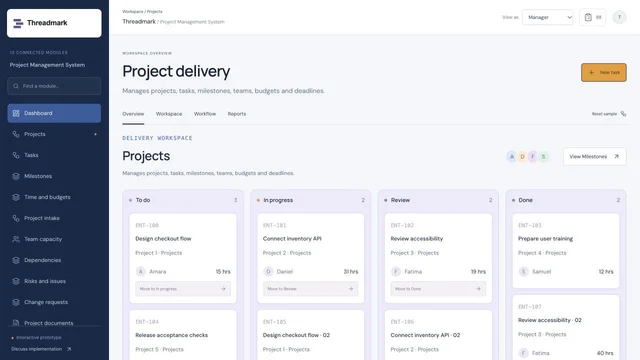 Interactive demo
Manages projects, tasks, milestones, teams, budgets and deadlines.
Tell us what you have in mind. We’ll help you find the right way forward.
Let’s talk about your project