Alternative Applabs
info@altapplabs.comSoftware. Systems. Alternative Applabs.
Real estate & construction
BuildingkeeperPRODUCT DEMO

Buildingkeeper

Building Maintenance Management

Manages repairs, inspections and building servicing.

INSIDE THE PREVIEW
11

Connected modules

Live

Editable workflow prototype

Fictional records. Custom development is scoped for your organisation.
WORKFLOW PROTOTYPE · SAMPLE DATA
01 / 12

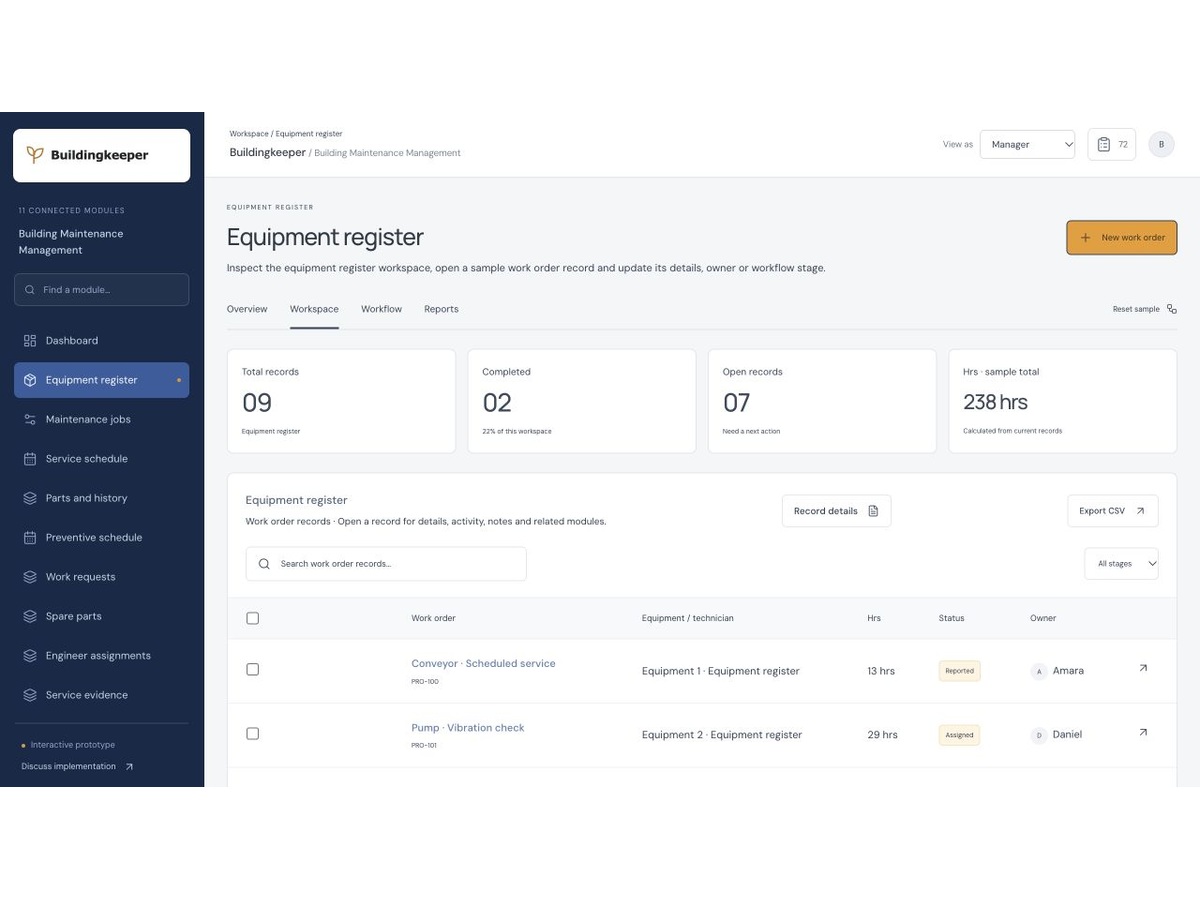
Equipment register

Manages repairs, inspections and building servicing.

Building Maintenance Management: Equipment register

Building Maintenance Management · Equipment register · Workflow prototype

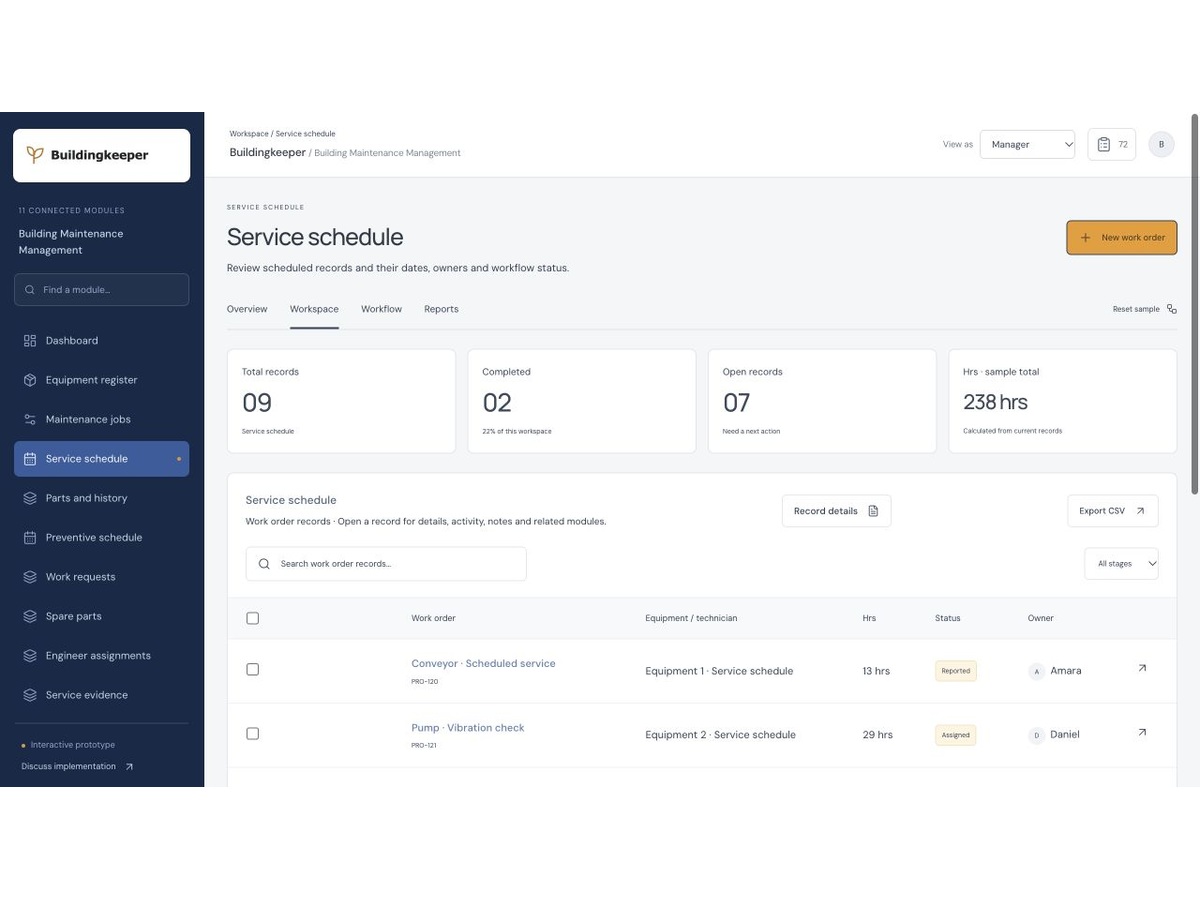
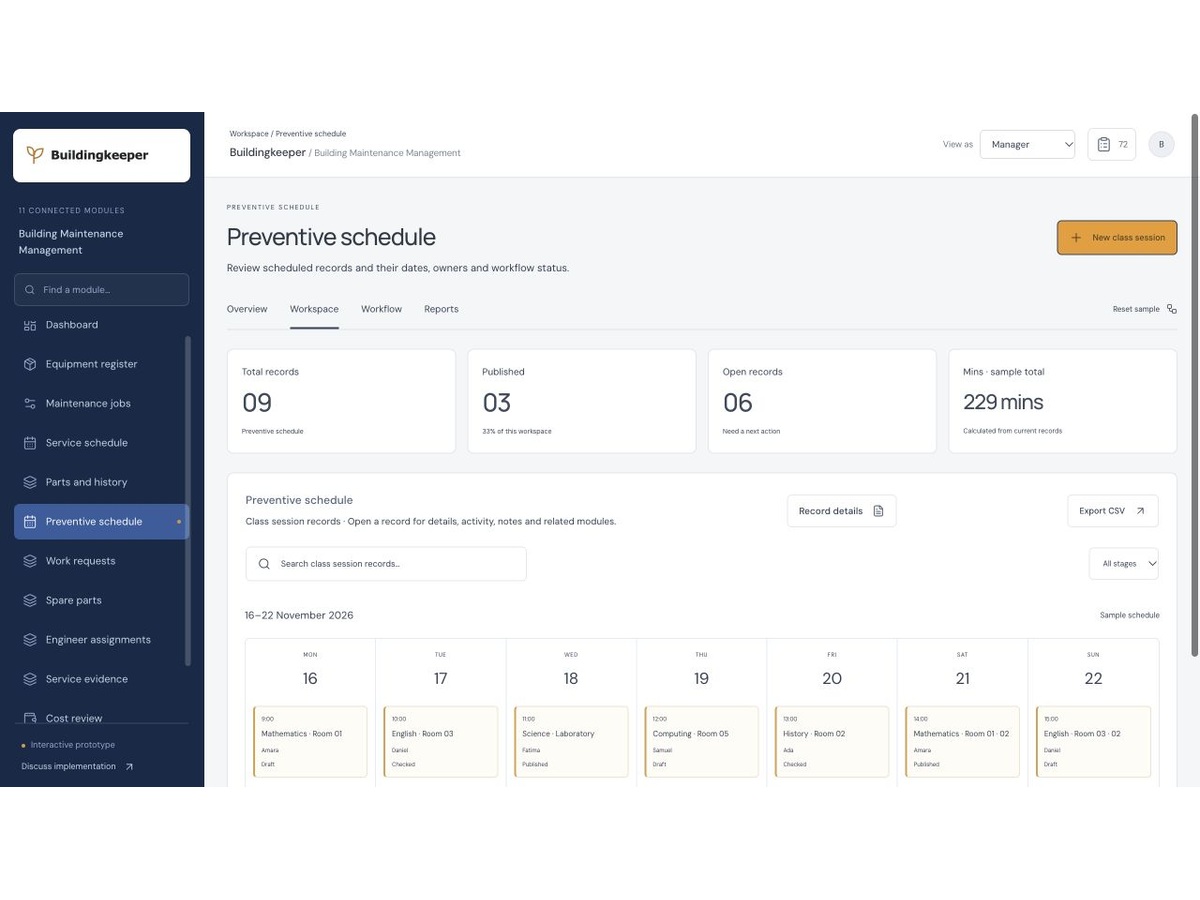
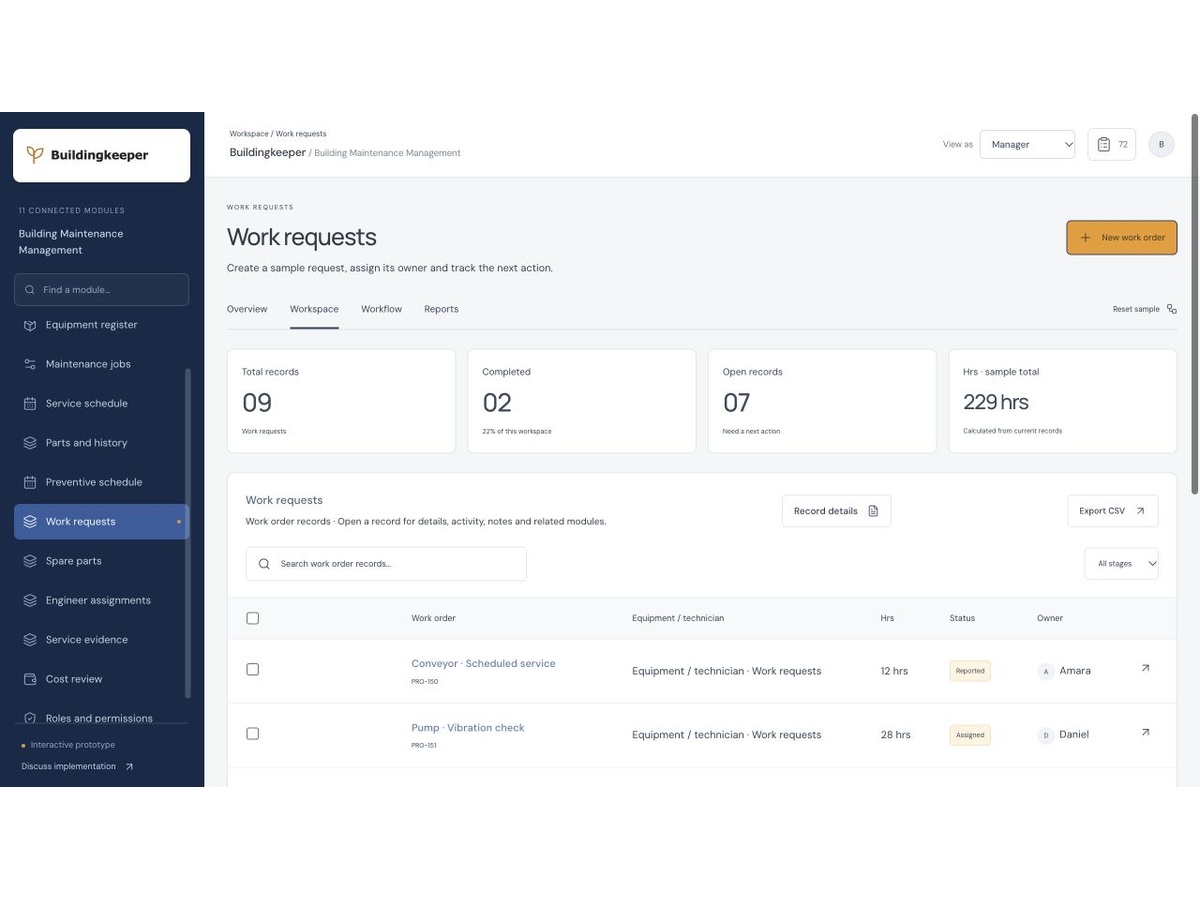
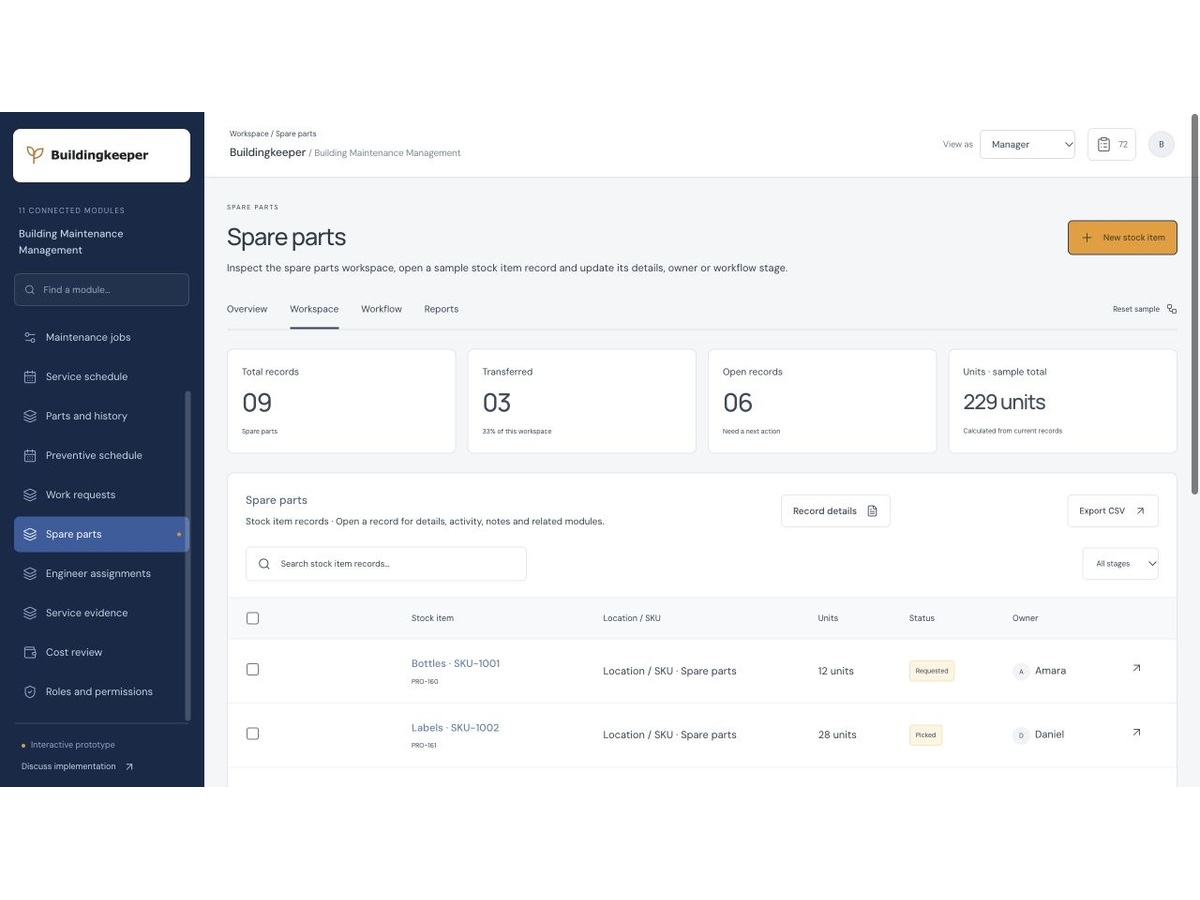
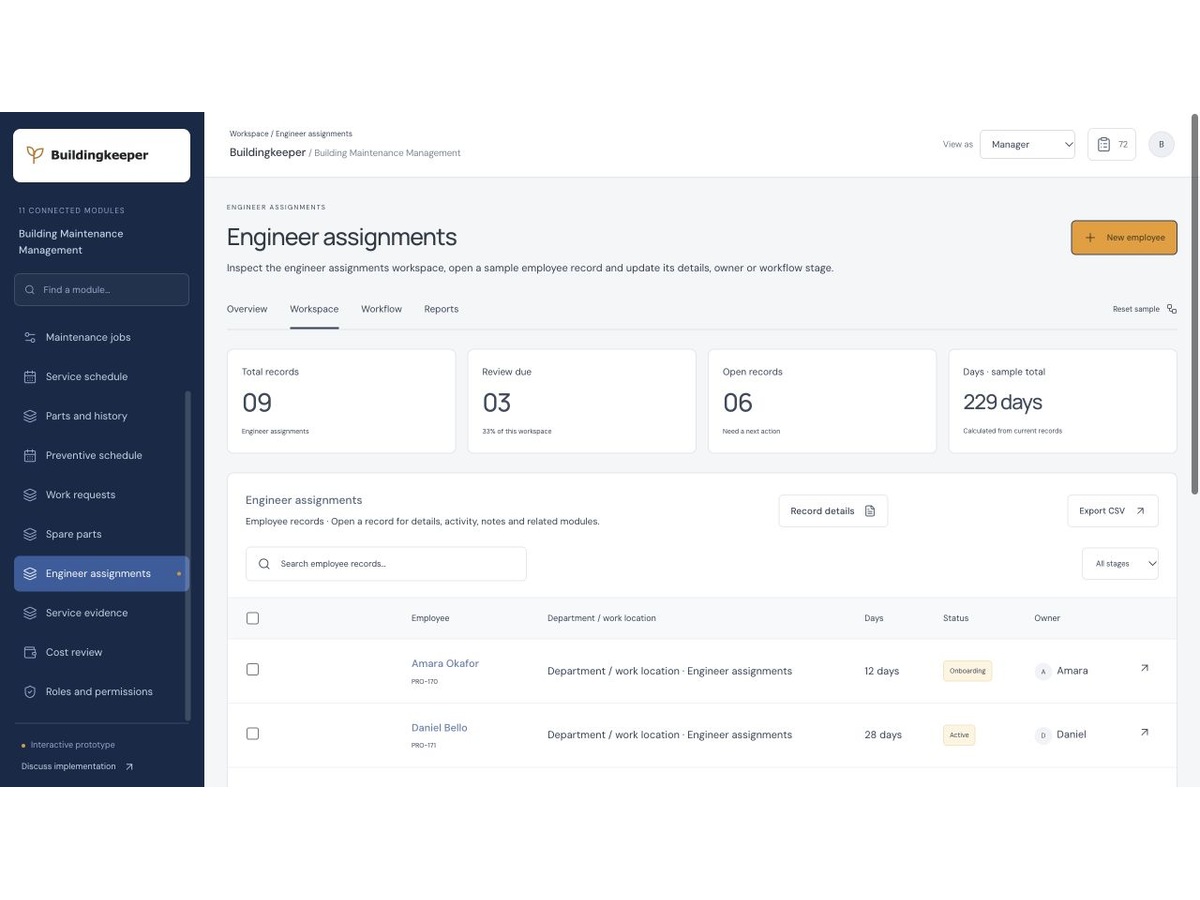
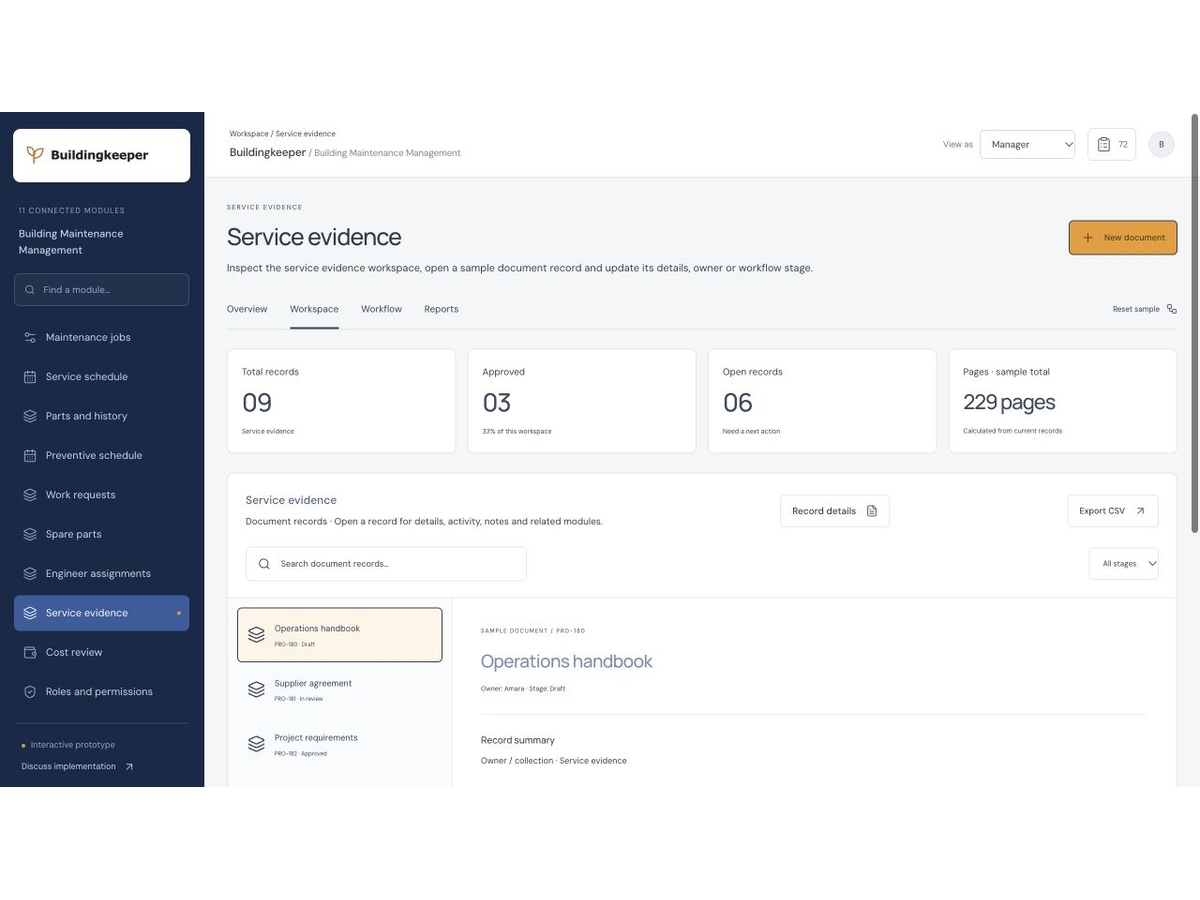
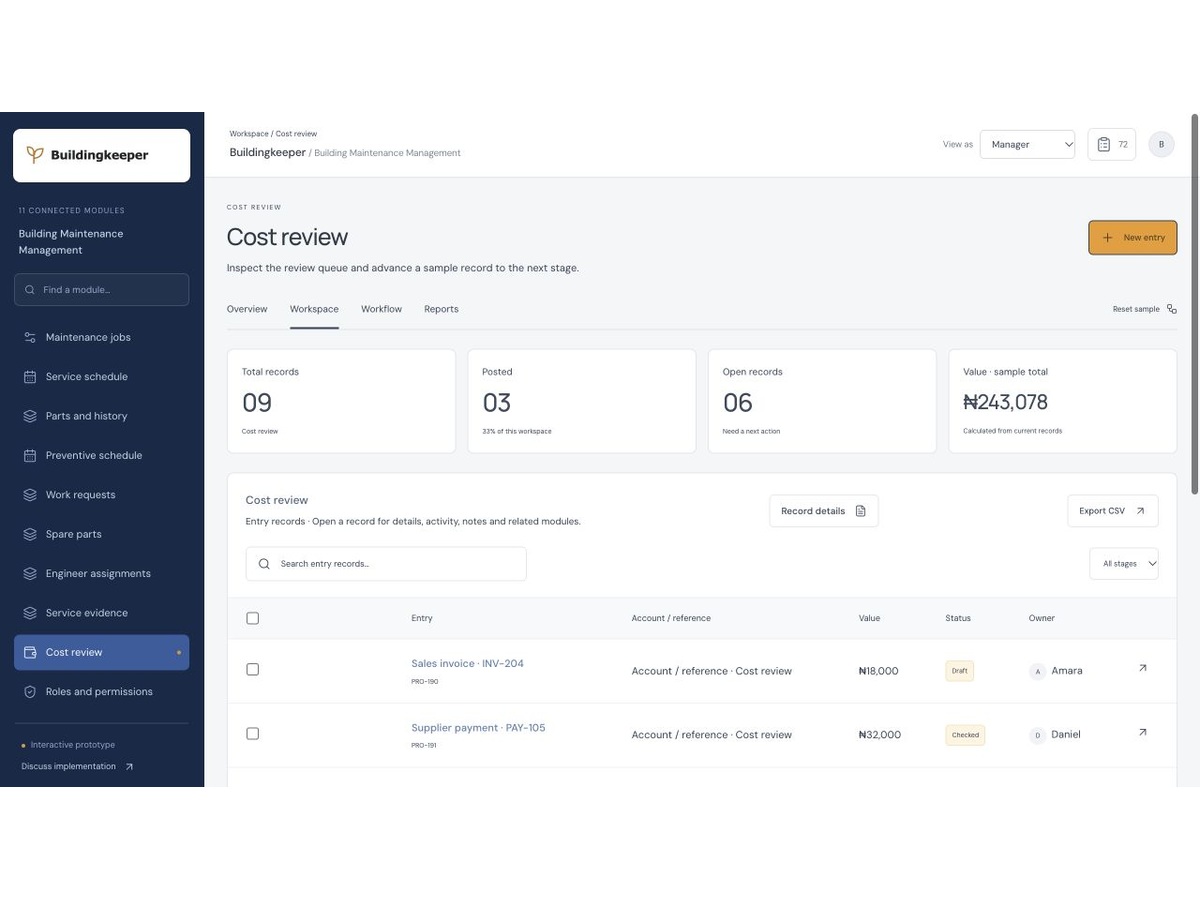
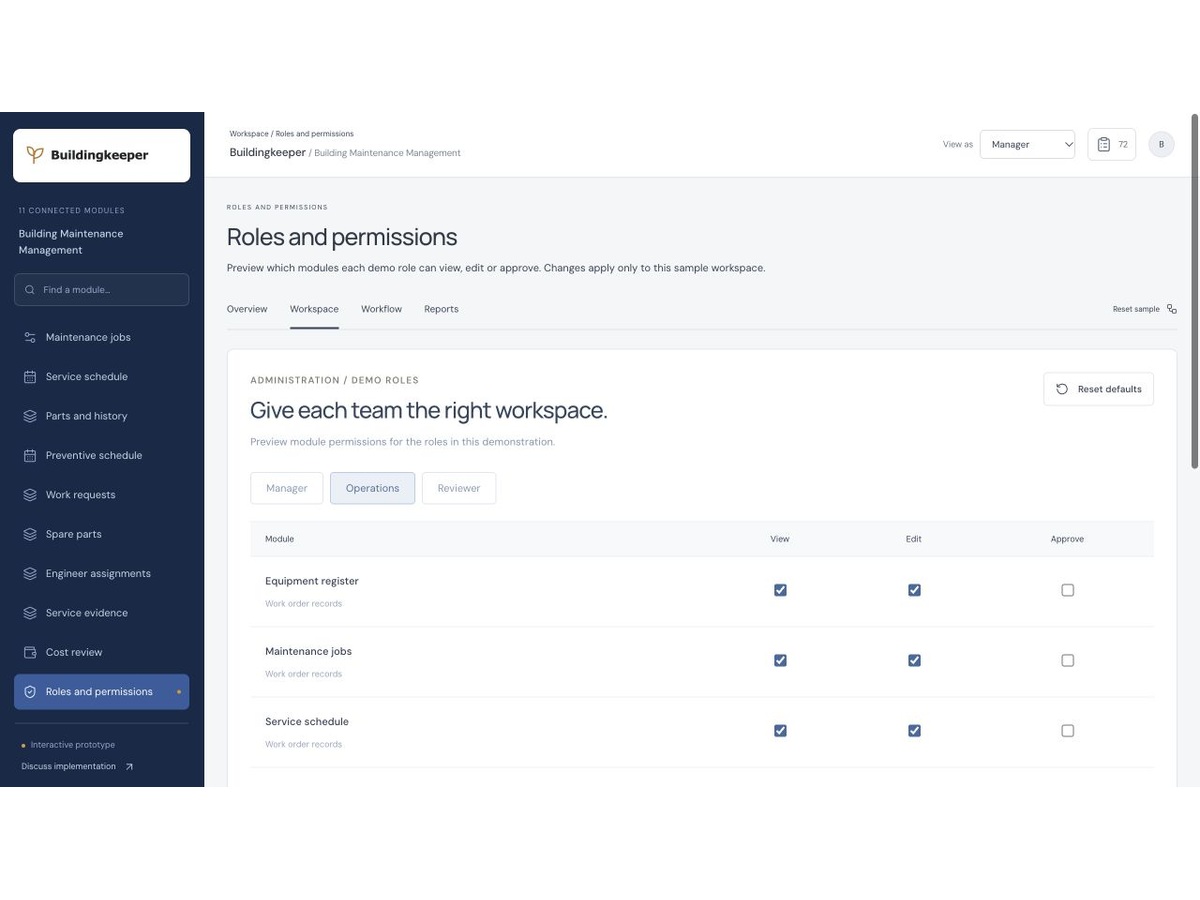
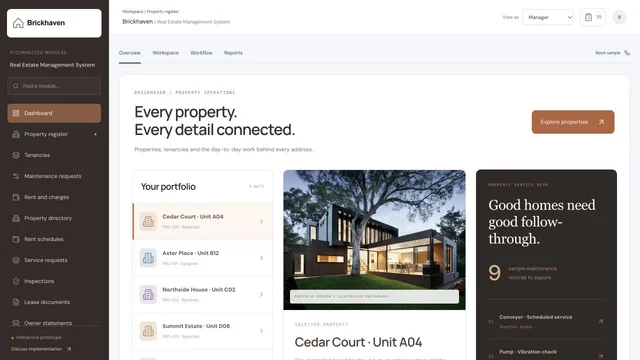
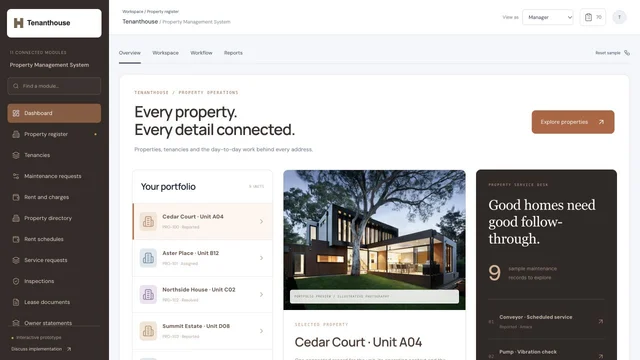
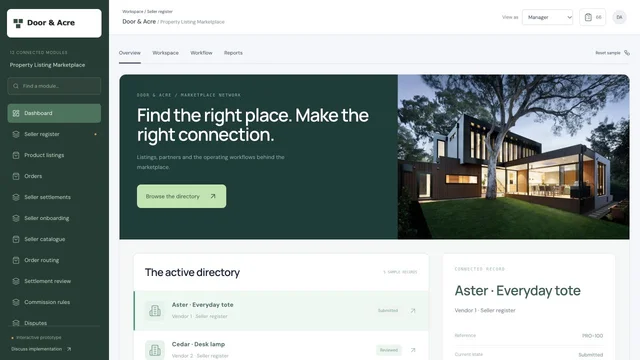
These are screenshots of the interactive workflow prototype below. The preview demonstrates proposed modules with fictional data; production integrations and final functionality are agreed during project scoping.

WATCH THE PRODUCT

Meet Buildingkeeper. See how it works.

See the working screens, the module handoffs and an actual sample record changing stage. Choose a chapter to jump straight to a feature.

English voiceover & captions0:34

Buildingkeeper, explained with narration and screens from the interactive prototype. Fictional sample data.

FOLLOW THE EXPLANATION
THE MODULES

See what your team would work with.

Manages repairs, inspections and building servicing. Bring your real estate & construction workflows into a connected workspace shaped around your organisation, existing systems and team. We scope the right modules, integrations and permissions with you before implementation.

Equipment register working screenExplore Equipment register
01

Equipment register

Inspect the equipment register workspace, open a sample work order record and update its details, owner or workflow stage.

Work orderEquipment / technicianHrs
Reported Assigned In progress Completed
Explore this module
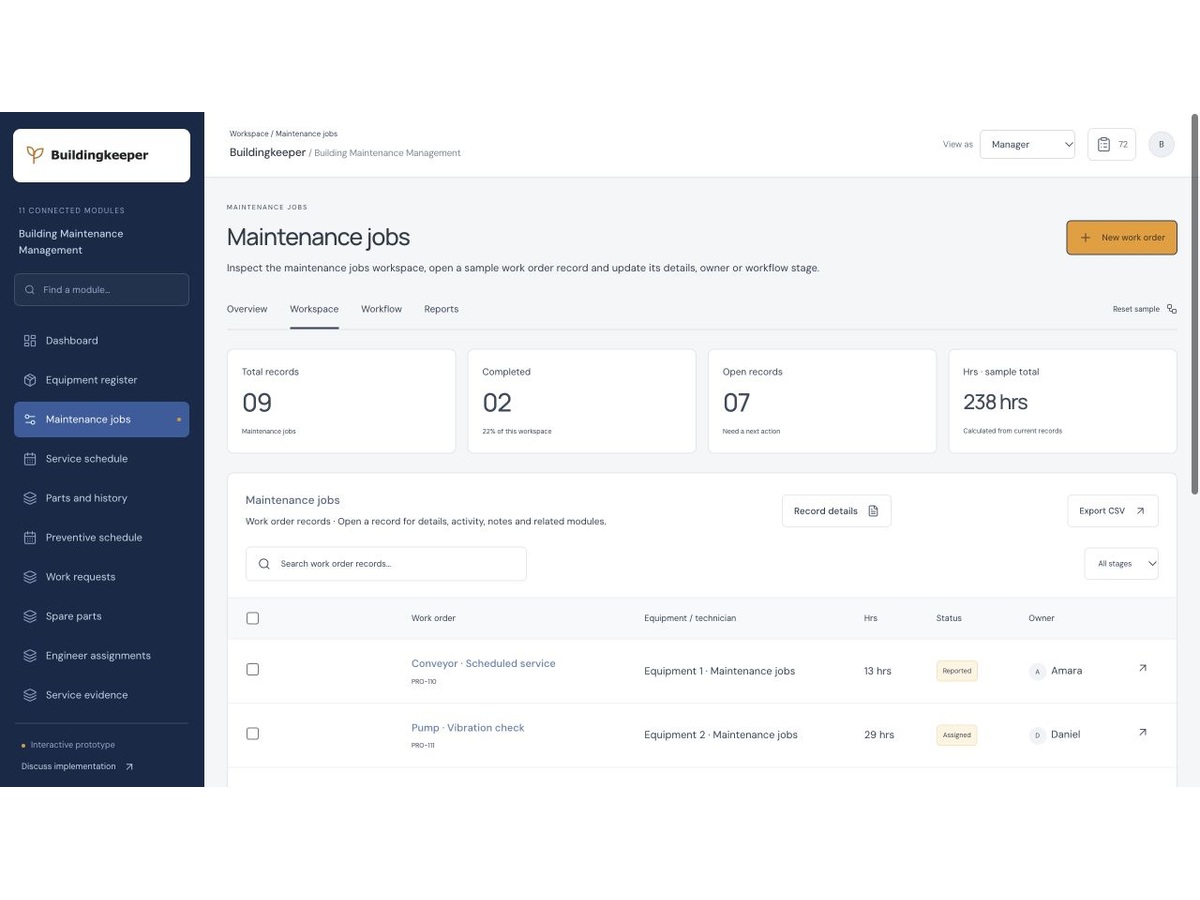
Maintenance jobs working screenExplore Maintenance jobs
02

Maintenance jobs

Inspect the maintenance jobs workspace, open a sample work order record and update its details, owner or workflow stage.

Work orderEquipment / technicianHrs
Reported Assigned In progress Completed
Explore this module
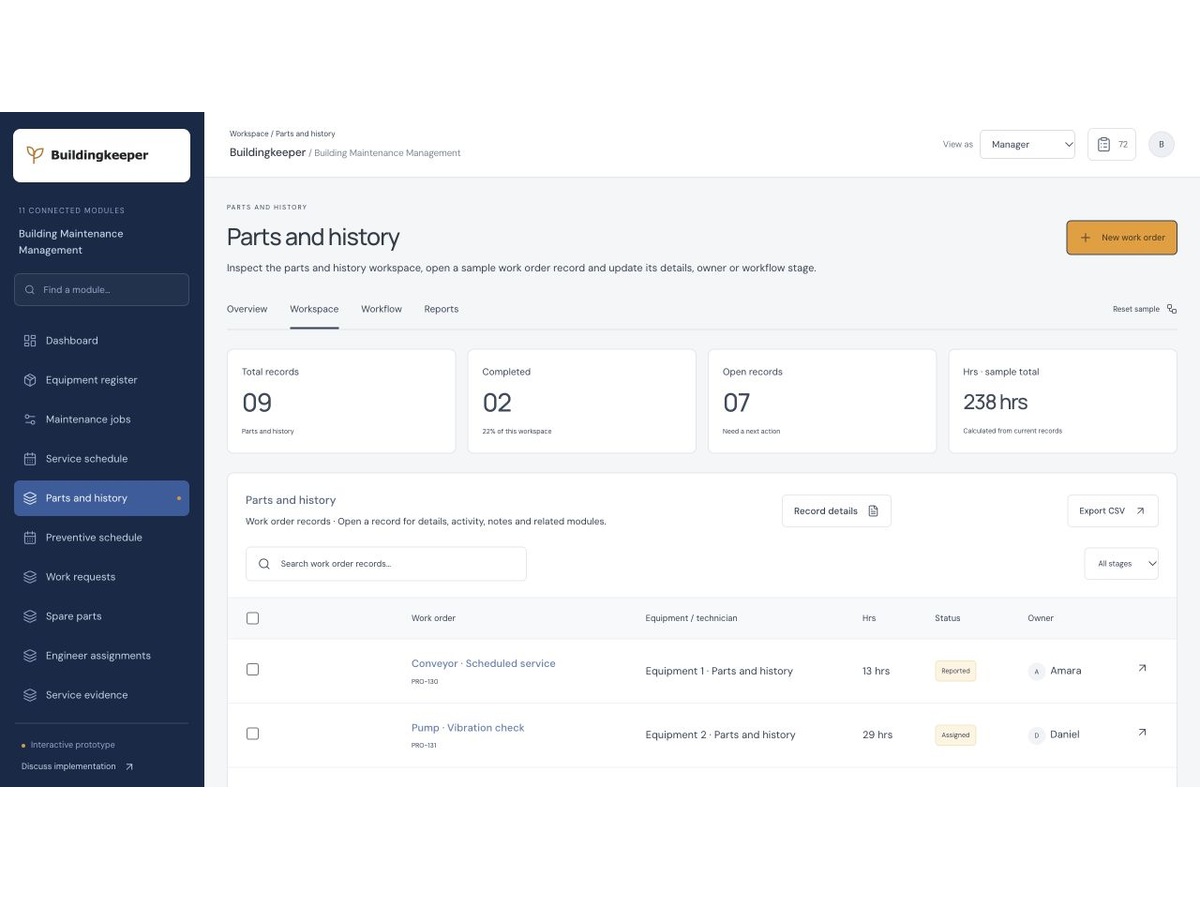
Parts and history working screenExplore Parts and history
04

Parts and history

Inspect the parts and history workspace, open a sample work order record and update its details, owner or workflow stage.

Work orderEquipment / technicianHrs
Reported Assigned In progress Completed
Explore this module
Spare parts working screenExplore Spare parts
07

Spare parts

Inspect the spare parts workspace, open a sample stock item record and update its details, owner or workflow stage.

Stock itemLocation / SKUUnits
Requested Picked Transferred
Explore this module
Engineer assignments working screenExplore Engineer assignments
08

Engineer assignments

Inspect the engineer assignments workspace, open a sample employee record and update its details, owner or workflow stage.

EmployeeDepartment / work locationDays
Onboarding Active Review due
Explore this module
Service evidence working screenExplore Service evidence
09

Service evidence

Inspect the service evidence workspace, open a sample document record and update its details, owner or workflow stage.

DocumentOwner / collectionPages
Draft In review Approved
Explore this module
THE PRODUCT FLOW

Follow the work between modules.

Select a step to inspect its screen and stages, or play the guided flow. Each step links to the working module.

THE MODULE HANDOFFS
STEP 01 / 04

Equipment register

Inspect the equipment register workspace, open a sample work order record and update its details, owner or workflow stage.

Reported Assigned In progress Completed
Try this module
01 / 04
Building Maintenance Management: Equipment register moduleOpen the interactive module
HOW IT WORKS

Follow a record through the system.

Try these steps in the interactive preview. The dashboard and workflow use the same records.

01

Open the workspace

Choose equipment register and inspect the sample work order records.

02

Create or edit a record

Use Add work order or select a record name. Change its details, value, owner or status.

03

Move it forward

Open Workflow and advance a record from Reported to Assigned.

04

Review the result

Return to Overview to check the updated totals. Reports lets you export the current module as CSV.

Try the workflow in full screen
MAKE IT YOURS

Define the system around your operation.

The preview is a starting point. We confirm your roles, rules, data, integrations and reporting requirements before building the production application.

Real estate & constructionGrowing businessesMulti-location organisations

Plan this solution
SCOPE TO DISCUSS
01Properties workspace
02Tenants workspace
03Maintenance workspace
04Budgets workspace
05Role-based access and approval flows
06Reports, exports and operational insights
RELATED SOLUTIONS

More for real estate & construction.

Browse this category
Let’s make it happen

Your next big idea.
Our next great build.

Tell us what you have in mind. We’ll help you find the right way forward.

Let’s talk about your project